


Learn from someone who’s made the mistakes, so you don’t have to.
Launching your website should feel exciting, not overwhelming. But too often, I’ve seen people hit roadblocks after they pick the wrong hosting provider, slow loading times, hidden costs, poor support, and crashes when their traffic grows.
From my experience helping first-time founders, bloggers, and small businesses launch online, here are 10 practical tips to help you choose the right hosting for your website and get it right the first time.
Know Your Website’s Purpose
The clearer you are, the better you can match your hosting to your site’s needs. A small blog might do fine on shared hosting, but a high-traffic eCommerce site needs something more robust, like VPS or cloud hosting.
A blog? An eCommerce store? A portfolio? A single landing page?
Start simple: What type of site are you building?
Check the Server Location

If your audience is in India, but your server is in the US, your site can load slower. Choose a provider with data centers near your target users or one that includes CDN (Content Delivery Network) for global performance boosts.
Speed matters. And distance affects speed.
Look for Real Uptime Guarantees
You don’t want your website vanishing during peak hours.

From my experience, stick with providers who not only promise but also provide real-time uptime monitoring and alerts. Bonus if they give compensation for downtime.
Most hosting providers promise 99.9% uptime, but only a very few back it up with performance reports. So do your homework, analyse for the uptime report before you pick a hosting provider.
Check for Easy Backup and Restore Options
You can have plugin conflicts in a unexpected moment or a your code can wrong on an important moment. It important be ready with the back up.
Make sure you pick a hosting service that offers daily backups and one-click restores.
Ideally, you should be able to create manual backups, too, before you make big changes.
This is a not a nice to have feature, it’s a must, so ensure you double check it before you hit the buy now button.
Don’t Ignore Customer Support
Look for 24/7 support with real humans, not just bots or ticketing systems.
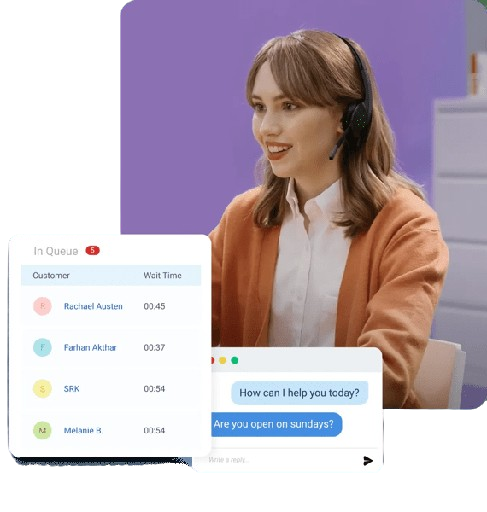
Test their live chat or support docs before you sign up. When something breaks, you’ll want someone who doesn’t just respond but solves your issue.
Treat this as a deal breaker and double-check it.
Understand the Pricing (Especially the Renewals)
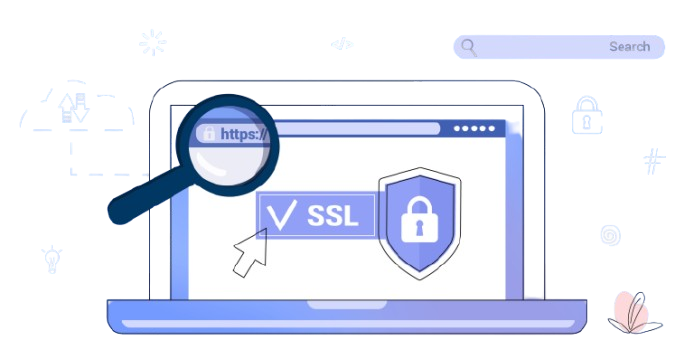
Some hosting plans look cheap, until you reach the renewal stage or need basic features like SSL or email.
∙ Check the intro price vs. renewal price
∙ See if SSL certificates, email accounts, and backups are included ∙ Make sure there are no surprise fees
From my experience, Hostinger offers beginner-friendly plans with transparent pricing and most essential features included, without upselling every step of the way.
Check WordPress Compatibility
If you’re planning to use WordPress (and most people are), make sure your host supports it properly.
Look for:
∙ One-click WordPress install
∙ PHP and MySQL support
∙ WP-specific optimization or staging environments
Not every host is truly “WordPress-ready” even if they say they are.
Make Sure It’s Scalable
Today it’s a small site. Tomorrow it might explode.
Make sure to pick a hosting provider that can grow with you, from shared hosting to cloud or VPS. Before you make a choice, ensure and double-check the resource limits (like CPU, RAM, and traffic) are clear, and upgrades don’t need a painful migration.
Security Shouldn’t Be an Add-On
Don’t compromise on protection. A good host will provide:

- ∙ Free SSL
- ∙ Firewall protection
- ∙ Malware scanning
- ∙ DDoS protection
These are essentials, not extras. Security is part of trust — both yours and your visitors’.
Read Real Reviews, Don’t Just With the Ratings.
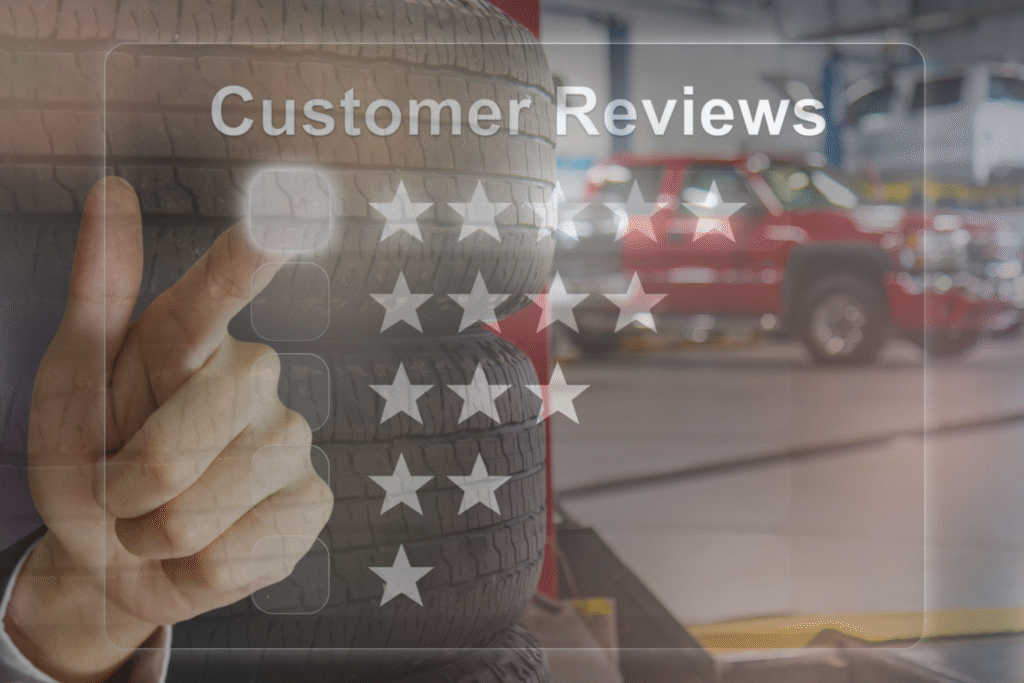
Before you buy, look up what real users are saying — especially about support response time, hidden limitations, and reliability during high traffic.
Join forums. Check YouTube walk-throughs. Even Reddit threads. Real user experiences often reveal more than any marketing page.
From my experience, the best hosting isn’t always the fanciest one.
- It’s the one that:
- ∙ Works consistently
- ∙ Doesn’t confuse you
- ∙ Helps you grow
- ∙ Backs you up when things go wrong
If you’re just starting and want solid performance, honest pricing, and reliable support, Hostinger is one name that consistently shows up in my list for first-time website owners.
