

Know the difference before your traffic teaches you the hard way.
If you’ve ever stared at hosting plans wondering whether to go with Shared Hosting or VPS, you’re not alone.
At first glance, they all look similar same control panel, same 99.9% uptime promise, and the same “unlimited” labels. But beneath the surface, they behave very differently.
From my experience working with both beginners and scaling startups, the hosting you choose depends not only on your budget but also on your website journey.
What is Shared Hosting?
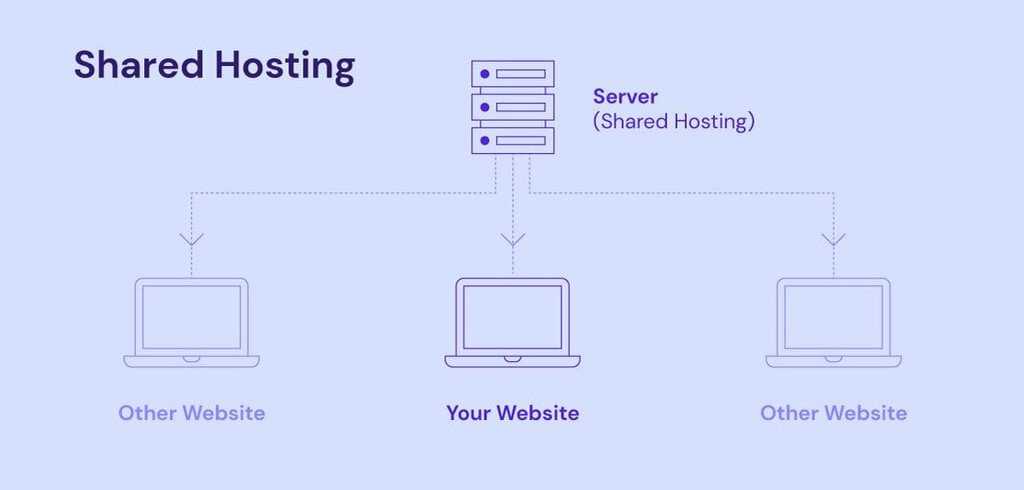
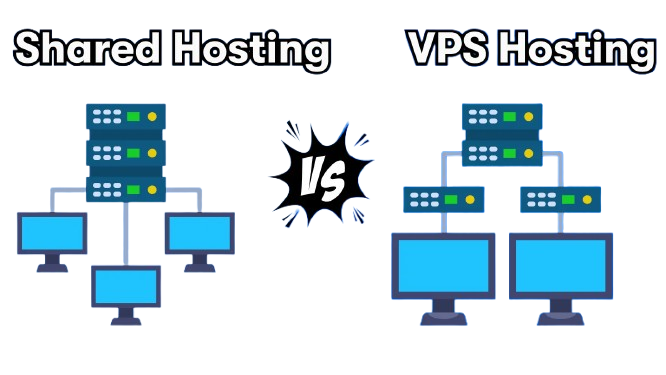
Shared hosting is like renting a bed in a hostel room. You share the same space (server) with dozens, sometimes hundreds of other websites.
- ∙ It’s affordable.
- ∙ It’s easy to set up. ∙ Perfect for beginners, blogs, or low-traffic websites.
But the moment another site on the server eats up too much bandwidth, your site slows down too. You have no control over how others who share the same server space with you behave on that server. That’s the trade-off that you need to settle for in the shared hosting.
What is VPS Hosting?
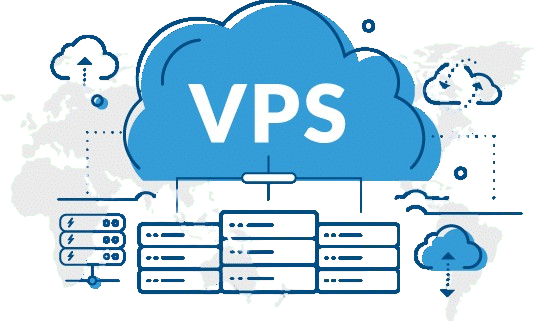
VPS stands for Virtual Private Server. This is more like renting your own apartment inside a building. Think the building is shared (server), but your unit is private. You get dedicated resources CPU, RAM, and storage, all the facility isolated from others, no common sharing of resources.
- ∙ Better performance.
- ∙ More control.
- ∙ Ideal for growing businesses, high-traffic blogs, eCommerce stores, or developers.
You can install custom software, run scripts, and fine-tune your server but you’ll need to know your way around, or get a managed VPS that handles the technical stuff for you.
From my experience go for shared hosting, if you are
- ∙ You’re launching your first blog or personal site
- ∙ You have fewer than 1,000 daily visitors
- ∙ You want everything pre-configured
- ∙ Your site doesn’t rely on heavy plugins or traffic spikes
- ∙ You’re working with a very tight budget

Providers like Hostinger offer beginner-friendly shared hosting plans that include free SSL, email accounts, and 1-click WordPress installs making it easy to go live in minutes.
When we should upgrade to VPS Hosting.
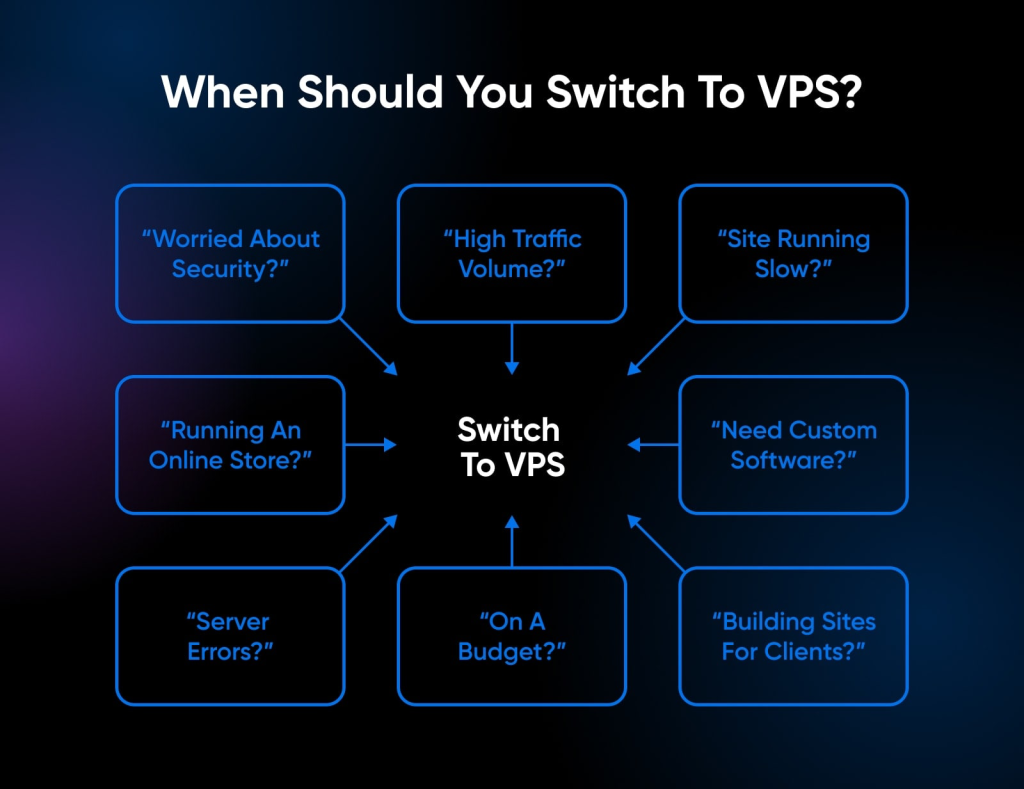
Choose VPS hosting when:
- ∙ Your traffic is growing and pages load slower
- ∙ You run WooCommerce, Learning Management Systems, or complex apps ∙ You need more control (e.g., custom configurations or software)
- ∙ You plan to host multiple heavy websites under one account
- ∙ You want more security and performance isolation
Even if you’re not a techie, managed VPS hosting takes care of the server-side while giving you more muscle under the hood.
| Even if you’re not a techie, managed VPS hosting takes care of the server-side while giving you more muscle under the hood. A Quick Comparison: | ||
| Feature | Shared Hosting | VPS Hosting |
| Price | Lower | Higher |
| Performance | Shared | Dedicated |
| Security | Basic | Stronger isolation |
| Technical Control | Very limited | Moderate to full |
| Best For | Beginners, small sites | Growing or complex sites |
From my experience, if you’re just starting, shared hosting is the smart move. It’s budget friendly, fast to deploy, and enough for most beginner needs.
But once your traffic grows or your website gets more complex, VPS becomes your next logical step.
Switching from shared to VPS is like moving from a starter scooter to your first car: more power, more control, and a smoother ride. Do your research to see if your hosting provider can make this upgrade easy.
Hosting isn’t just about today’s traffic — it’s about tomorrow’s potential.
Hostinger offers both shared and VPS plans, and what I like is how easily you can scale without starting over. It is perfect if you’re planning to grow but want to start lean.
