

Helping educators and startups launch smart learning tools, reliably, affordably, and scalably.
Building an EdTech app isn’t just about uploading videos or building quizzes. To stand out in 2025, more creators are integrating AI tutors, personalized learning paths, and real-time feedback powered by GPT models. But that’s where finding the right hosting gets tricky: your platform needs to manage video streaming, hold user data securely, run backend logic, and stay affordable for growing student bases.
From my experience working with bootstrapped educators and EdTech founders, here’s the secret: you don’t need expensive infrastructure.
What you need is the right stack, one that balances performance, scale, and cost while empowering your learning tools.
What Matters Most for EdTech Hosting
Before picking a host, consider these needs
- ∙ Video and content delivery: Smooth playback, global reach, and uptime
- ∙ Secure user management: Login, profile data, and permissions
- ∙ Backend logic: Running quizzes, AI-based tutoring, and analytics
- ∙ Affordability: Low entry cost + easy upgrades as your audience grows With those in mind, here’s a practical split between frontend delivery and backend compute
For Course Delivery, Content & LMS Frontend
If you’re hosting course pages, embedded videos, or a WordPress-powered LMS site, a traditional web host with CDN support works great.
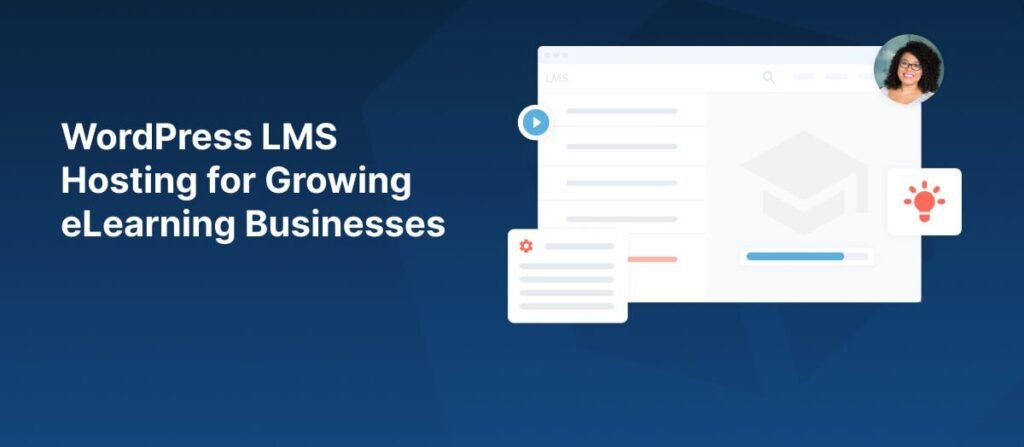
Hostinger stands out here. It gives you fast page delivery, reliable uptime, SSL for secure logins, and an easy dashboard to build on WordPress or static site generators. As your student base grows, upgrading your shared or cloud plan is simple—keeping costs low but flexibility high.
Hostinger isn’t built for AI compute, but it’s the perfect, affordable base to deliver content and host user-facing interfaces.
For Backend Logic and AI Tutoring
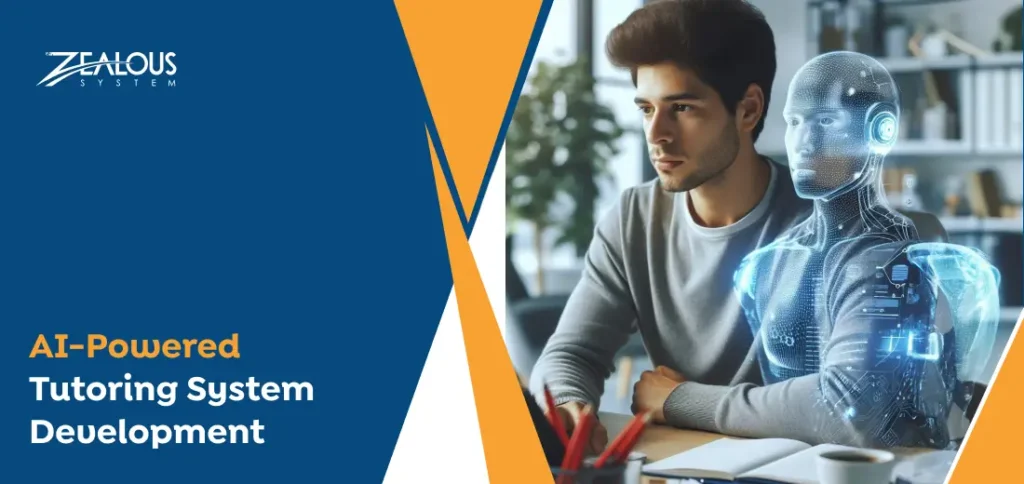
Your EdTech backend needs to run quizzes, compute student scores, call OpenAI for tutoring, and manage databases. These are tasks better handled by cloud services with support for Node.js, Python, or Flask.
Key platforms:
- ∙ Render offers seamless GitHub integration, easy deployment of backend APIs, background jobs, and scheduled tasks—all without DevOps complexity. It’s great for running AI-powered quiz scoring or chatbots as part of your learning app.
- ∙ Railway is another beginner-friendly option. With environment variable support, auto-managed databases, and simple app deployment, it’s perfect for testers or educators building logic-driven learning tools.
Both platforms remain cost-effective for small-scale MVPs, making them ideal for educators still validating their concept.
For AI Model Hosting or Inference
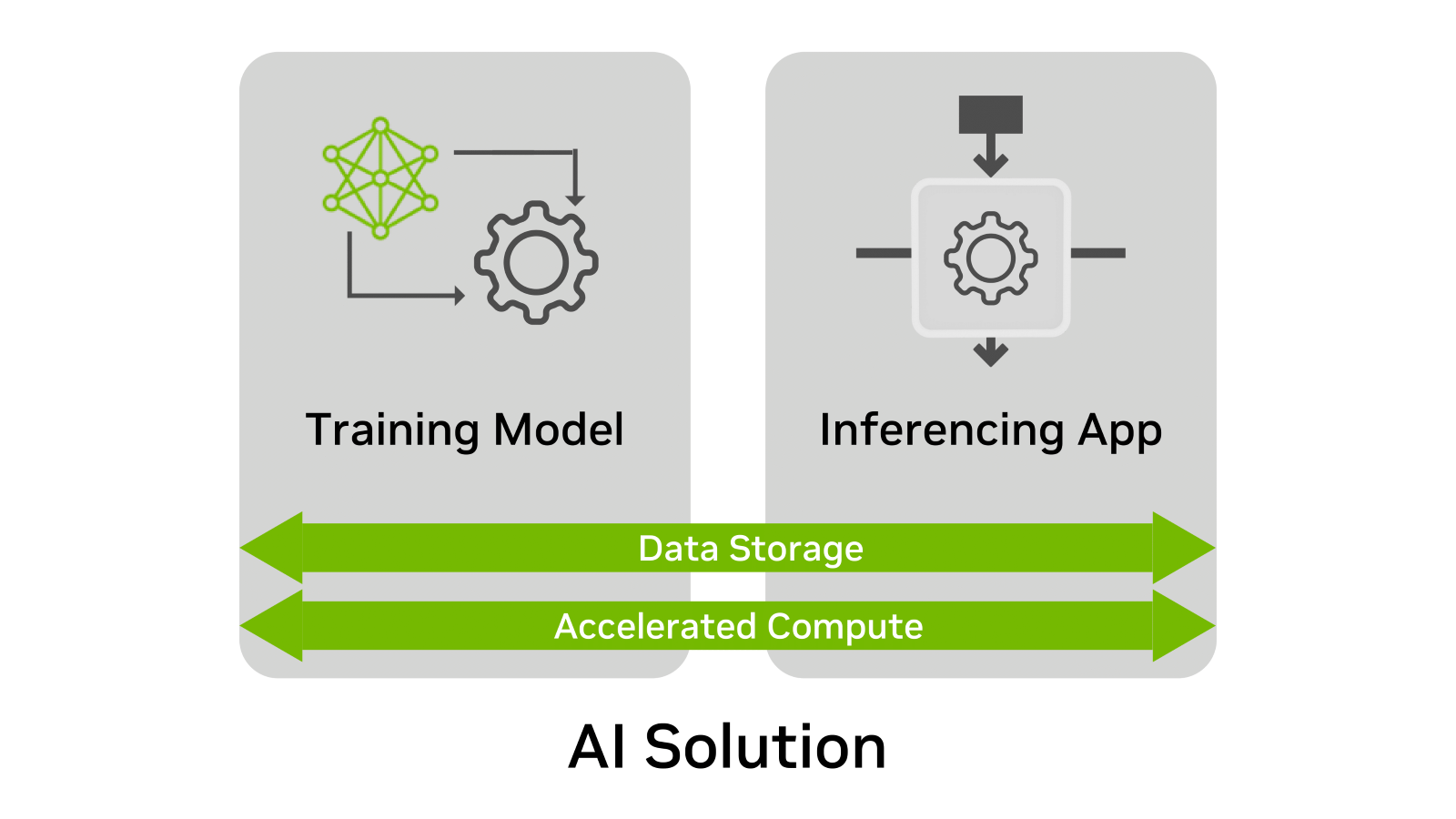
If you’re turning GPT models into tutors or personalized feedback engines and need reliable inference hosting, pair any of the above with a cloud GPU partner (like RunPod or Vast.ai). But for regular OpenAI API calls, Render and Railway also offer strong, scalable deployment environments without GPU costs.
How to Combine the Stack
Here’s a smart hosting setup that keeps cost low and performance high:
- ∙ Frontend: Host your LMS or WordPress site on Hostinger for content delivery and user-facing features
- ∙ Backend/API: Deploy your tutorial logic, quiz engines, or GPT chat endpoints on Render or Railway
- ∙ AI Services: Use OpenAI API directly. For heavy inference, plug in GPU compute from cloud providers selectively ∙ Database/storage: Managed SQL database (PostgreSQL) from Railway or Render + optional object storage
This approach lets you start with minimal cost, serve videos and course materials globally, and run AI-heavy backend logic only when needed.
You don’t need a data center to launch an EdTech platform.
With the right combination:
- ∙ You can deliver lessons, host user content, and support global access using Hostinger
- ∙ You can run AI tutors and quiz logic affordably using Render or Railway ∙ You can scale only when necessary, swapping in cloud GPU power for heavier tasks without paying high overhead
From my experience, this three-part stack, content host + AI compute host, is exactly what bootstrapped course creators need. It keeps your platform lean, your tools smart, and your budget intact.
