

Smart content needs smart hosting. Here’s how to choose the right setup.
AI tools like ChatGPT, Claude, and Gemini have made creating blog content faster and more powerful than ever.
You’re no longer writing for the sake of writing. You’re creating structured, SEO-ready, API friendly content, often in bulk and it’s meant to scale.
That’s where Headless CMS enters the picture.
From my experience helping creators and startups, once you move beyond “just publish” and want more control over performance, layout, and growth then Headless CMS becomes the smarter long-term choice.
But here’s what matters next: Where do you host your AI blog built with a Headless CMS?
Let’s break it down simply.
What is a Headless CMS?
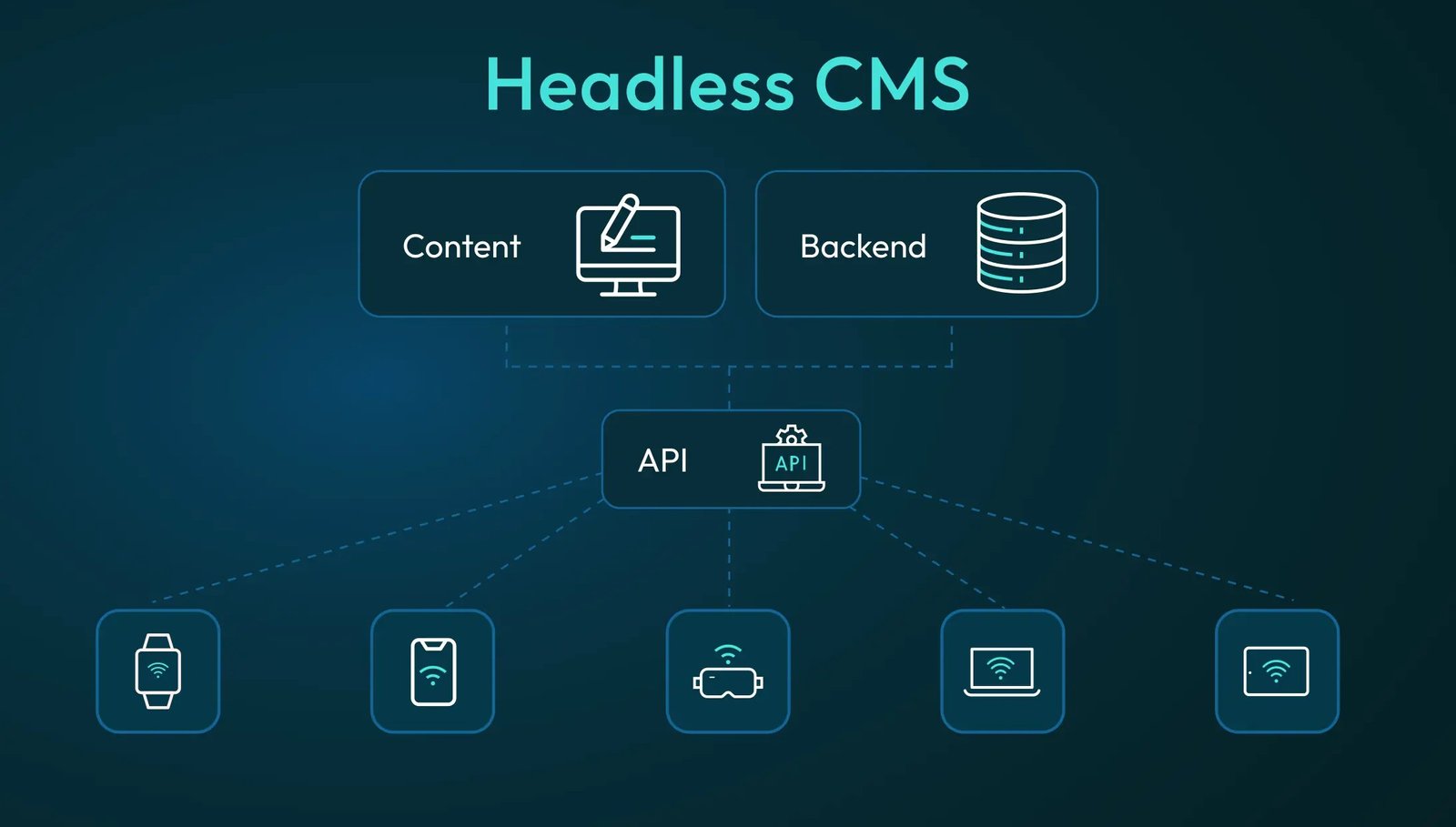
A Headless CMS separates your content editor (backend) from the actual blog layout (frontend). You manage your content in one place and display it anywhere, like your website, app, or even voice assistants.
It’s great for:
- Developers or technical teams who want design control
- ∙ Brands or startups who plan to reuse content across platforms
- ∙ Performance-focused blogs where speed and SEO matter ∙ Teams working with AI tools to auto-publish content via API
Why it works:
- You write once, and publish everywhere
- ∙ The backend and frontend stay in sync using APIs
- ∙ You can change how your site looks without touching the content
- ∙ It’s future-proof, scale-ready and system-friendly
From my experience, it’s takes a bit more time to setup at the start, but saves hours later especially if you’re using AI to generate and push content frequently.
Where to Host Your AI Blog (CMS + Frontend Setup)
When it comes to hosting, you have two choices:
Option 1: Separate Hosting for CMS and Frontend
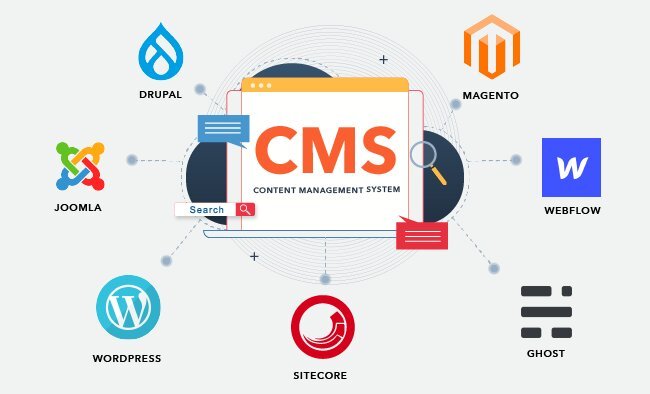
Here, your CMS lives in one place, and your
- ∙ Contentful – Clean, reliable, enterprise-grade
- ∙ Sanity – Real-time collaboration, dev-friendly
- ∙ Strapi – Open-source, self-hostable for full control
- ∙ Hygraph – Strong GraphQL API for structured content
Options for Frontend Hosting:
- ∙ Vercel – Perfect for Next.js blogs
- ∙ Netlify – Great for Gatsby, Hugo, static site blogs
- ∙ Render – Works well for full-stack and JAMstack sites ∙ DigitalOcean App Platform – More control for scaling apps
Why is it necessary to choose two separate hosting for a single website?
- You optimize each part separately (speed, security, scaling)
- ∙ Your CMS stays private and secure
- ∙ Your frontend loads faster — great for SEO
- ∙ You can use AI to auto-publish through API workflows
From my experience, if you’re building a performance-first blog or planning to grow across multiple platforms, this setup gives you maximum flexibility.
Option 2: Combined Hosting (CMS + Frontend Together)
This is a simpler setup. You host both your backend (CMS like Strapi) and frontend on the same platform.
Best platforms for combined hosting:
- Render – One of the easiest platforms to host full-stack apps
- ∙ Railway – Great for MVPs, supports databases and APIs
- ∙ DigitalOcean App Platform – Developer-level control, scalable
- ∙ Heroku – Simple for testing and lightweight AI projects
Reasons why is it necessary to choose a common hosting for CMS and front end.
- ∙ Easy to manage, especially for small teams
- ∙ Ideal for self-hosted CMS like Strapi
- ∙ Single dashboard for both backend and frontend
- ∙ Faster MVPs, easier troubleshooting
From my experience, if you’re launching your first AI blog or working solo, combined hosting lets you stay focused on content instead of managing infrastructure.
If you are confused to pick the combined hosting are a separate hosting for CMS and front tend. Here is a quick comparison on which setup is right for you?
you?
| Goal or Situation | Recommended Setup | Tools to Use |
| Fast MVP or content experiment | Combined Hosting | Strapi + Render / Railway |
| Long-term blog with high traffic | Separate Hosting | Sanity + Vercel / Contentful + Netlify |
| Full control and open-source backend | Combined (Self hosted) | Strapi + DigitalOcean App Platform |
| AI-generated content, pushed via API | Separate Hosting | Hygraph + Vercel / Sanity + Netlify |
| Developer team with growth in mind | Separate Hosting | Contentful + Vercel or Netlify |
If you’re starting out or testing ideas, go for combined hosting, it’s simple and works. But if you’re building something serious, with performance, scale, and multiple channels in mind then a separate hosting with Headless CMS and modern frontend hosting is the way forward.
From my experience, the real win is choosing a stack that matches where you are today and where you plan to go tomorrow.
